
Keep reading- This post includes some FREEBIES to get your classroom chaos under control. We love a good freebie. Here are 5 systems that run my classroom. Feel free to steal them.
After my first year teaching, I was exhausted—and not just tired. The kind of exhausted where every tiny decision feels like too much.
Kids asking for pencils. Kids asking what we’re doing. Kids asking if something is graded. Emails. Missing work. Behavior issues. Constant interruptions.
It wasn’t one big thing. It was 1,000 tiny things.
I needed fewer decisions.
So I stopped trying to do everything myself and built systems instead.
Not complicated systems. Not Pinterest systems. Just simple things that run in the background so I don’t have to do everything all the time.
Here are the five that actually stuck.
1. The Bellringer System (Class Starts Without Me)
The problem: The first five minutes of class were chaos. Questions, wandering, noise, and me trying to get everyone settled while also submitting attendance and existing as a human.
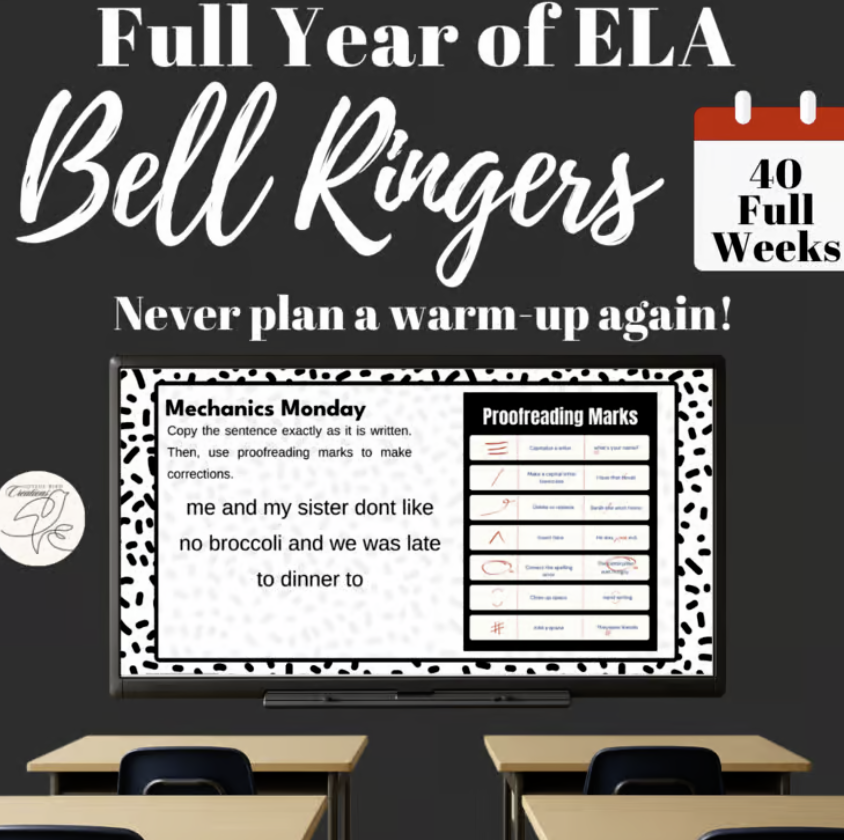
The system: Every single day, there is something on the board when students walk in. Each day has a theme. Mechanics Monday. Turn the Page Tuesday. Wordy Wednesday. Kids know what to expect.
They come in, sit down, and start.
The result:
I don’t have to talk right away.
I can submit attendance. I can breathe. I can deal with the one kid who walked in already spiraling.
Class starts without me—and that’s the point.
If you don’t want to build these from scratch, I already made a full year of bellringers you can use here if you happen to teach ELA.
2. The “Check Google Classroom” System (Stop Asking Me)
The problem: “Did I miss anything yesterday?” “I’ll be out tomorrow, are we doing anything important?” “I’m going on a two week cruise. What will I miss?”
All day. Every day. Maddening.
The system: I stopped being the keeper of all things. Everything lives in Google Classroom, not in my brain.
Every day, I post with the date and “Today we…” and list learning intentions, assignments, activities, and reminders.
When students are out, they don’t ask me. They check Google Classroom first, then the classroom concierge (more on jobs in a second).
The result: I’m not answering the same question 90 times a week, and students have a predictable system they can rely on.
3. The Student Job System (If They Can Do It, I’m Not)
The problem:I was doing everything. Passing papers. Resetting materials. Going over the warmup. Fixing tech issues. Taking attendance. Explaining missed work.
It adds up fast.
The system: Students apply for jobs. Not randomly assigned. Not “you, go do this.”
They apply, they get the role, and they own it. Lifeskills.
Things like:
* SUPPLY CONTROL: passing out and collecting materials
* TECH DESK: tech help
* BELLRINGER FACILITATOR: goes over the warmups. Doesn’t give out answers, *facilitates* the discussion by calling on peers.
* CLASSROOM CONCIERGE: fields questions students have about missed work *after* they review the Google Classroom
* ROLL CALL: literally calls roll and marks who is absent on paper, then tells me so I can verify it
The result: I’m not the one managing every tiny task. And students weirdly love it.
I reward them once a month with a “pay day” of candy, stickers, or classroom reward passes—but honestly, they’d probably do it for free.
I use a simple application process so it doesn’t turn into chaos—you can grab it here…IT’S FREE.
4. The Late Work System (Stop Emailing Me)
The problem: Missing work turned into:
- 20 emails
- 10 kids asking me in person
- Did you grade it?” five minutes after they turned it in
I couldn’t keep track of anything, and I was constantly behind.
The system: If it’s not on the form, it doesn’t exist.
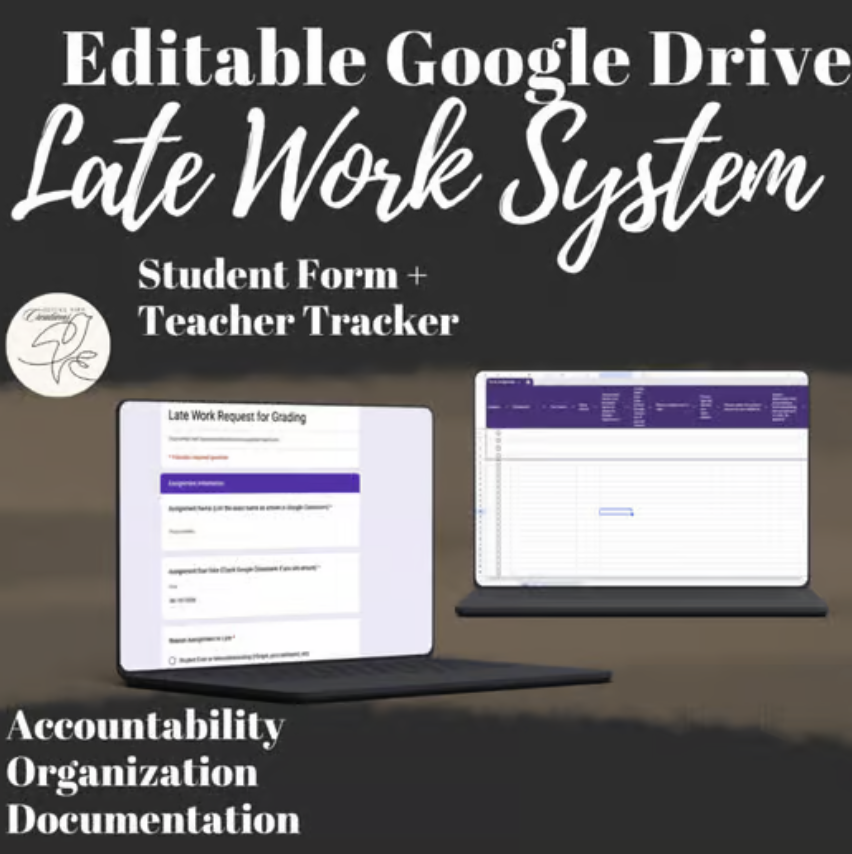
Students submit late work through a Google Form.
They have to tell me:
- what the assignment is
- how late it is
- why it’s late
Form = I will grade it on the designated late work day (I did mine on Fridays).
The result: No more inbox chaos. No more tracking things down. No 10,000 Google Classroom notifications. And students have to actually acknowledge their choices instead of pretending it just “didn’t get graded.”
Ever had a parent email like, “Timmy says you never grade his late work?” Now you have documentation that Timmy submitted everything yesterday at 10:42pm.
I made a copy of the exact form I use so you don’t have to build it—grab it here...It’s FREE.
5. The Behavior Accountability System (Write the Email Yourself)
The problem: Behavior issues meant more work for me.
Documenting it. Emailing parents. Trying to explain what happened while also managing everything else. And half the time, the student didn’t even acknowledge it.
The system: They write the email.
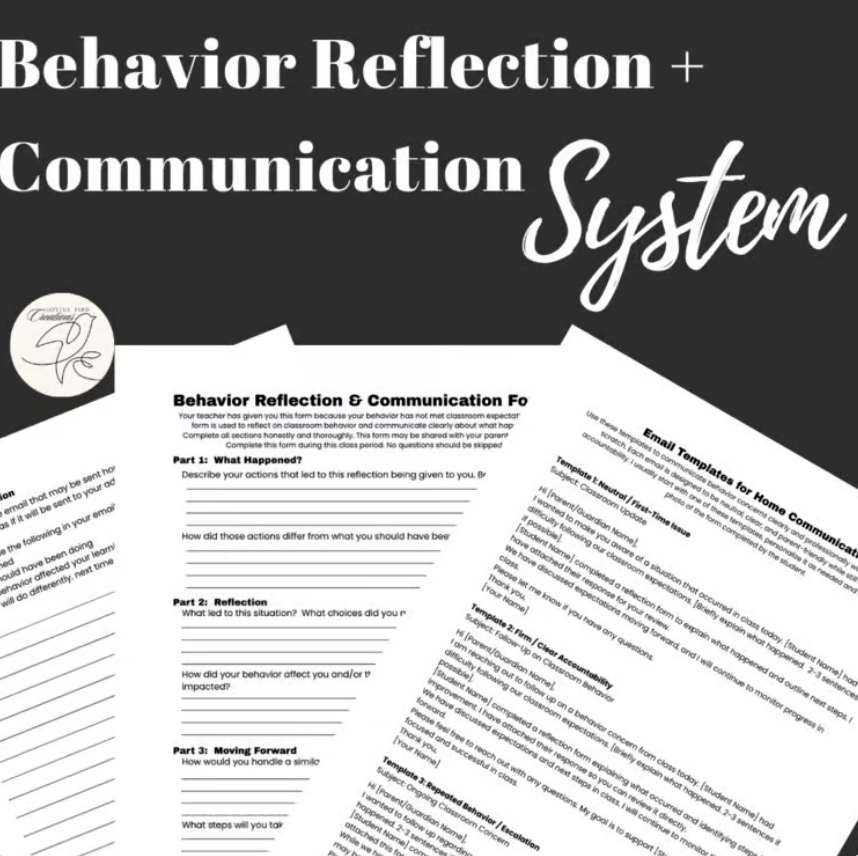
When a student is off-task or acting up, they complete a reflection sheet—and part of it is writing the email home.
They explain what happened. What they were supposed to be doing. What they’ll do next time.
They give it to me.
At the end of class, I decide if it actually gets forwarded.
If it does, I snap a picture of the form, copy my template email, add my notes, and send it. (Usually they’ve straightened up and I don’t have to send it.)
The result: I’m not starting from scratch. Students are forced to reflect in real time. And I have documentation without doing extra work.
I turned this into a simple template system if you want to try it without building it from scratch.
The Bottom Line
None of these systems are complicated. That’s literally the point.
They remove decisions. They remove interruptions. They remove the constant mental load of trying to manage everything at once.
And once they’re in place, they run whether you feel like it or not.
Which, honestly, is the goal.